When using a pointer device, users rely on the cursor to track where they are
pointing, infer what kind of actions they can perform, and get feedback during
certain interactions.
## Cursor icons
Cursor icons provide specific visual cues that indicate to users which elements
are interactive and what actions they can perform.
The system provides a set of cursor icons, such as the following:
### General
| Icon | Type | Description |
|---|---|---|
| 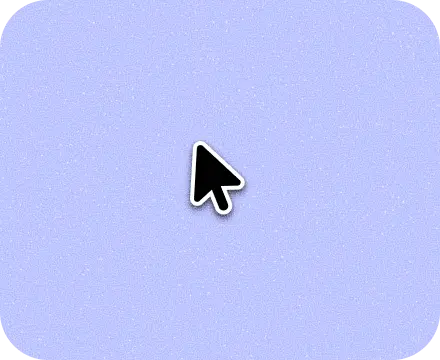 | Pointer | Indicates where the mouse is pointing on the screen. |
| 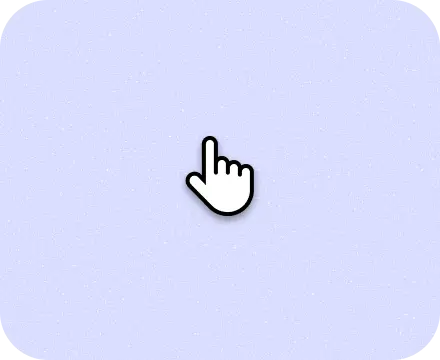 | Hand pointer | Indicates that an object can be clicked or interacted with. |
| 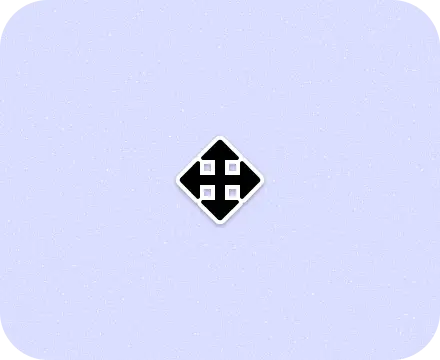 | All scroll | Indicates that the user can scroll in any direction. |
| 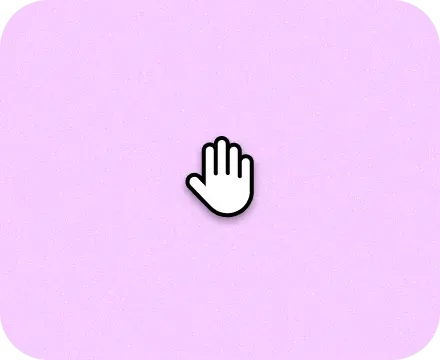 | Grab | Indicates that the user can drag an object. |
| 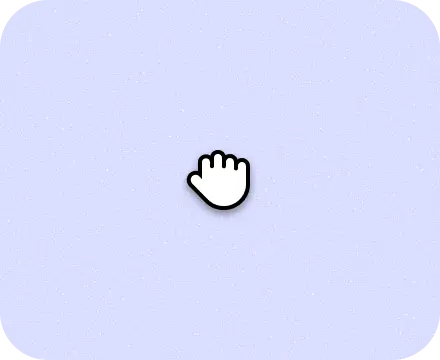 | Grabbing | Indicates that the element is being dragged. |
| 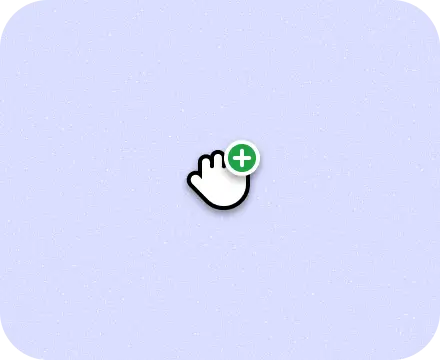 | Copy | Indicates that the user can copy text or other content by clicking and dragging. |
| 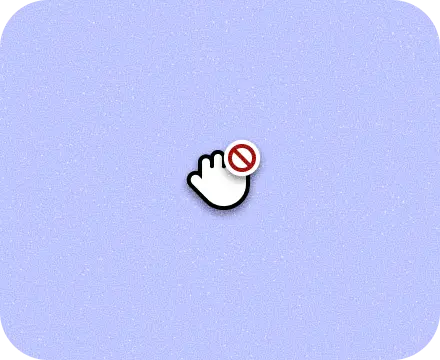 | No drop | Indicates that the user can't drop the item that they are dragging. |
| 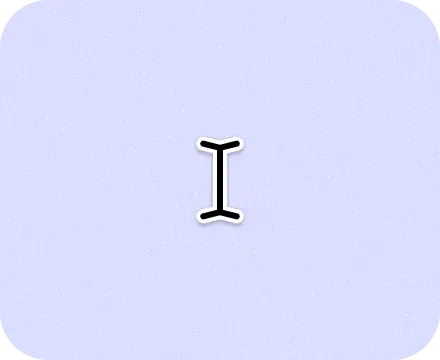 | Text | Indicates that the user can insert, edit, or copy text. |
| 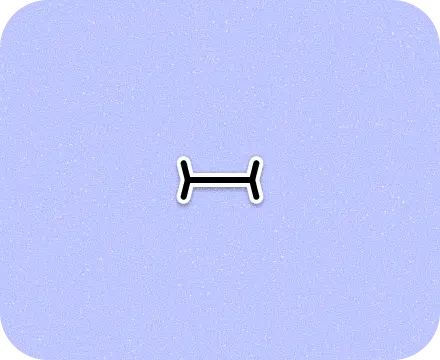 | Text vertical | Indicates that the user can insert, edit, or copy vertical text. |
| 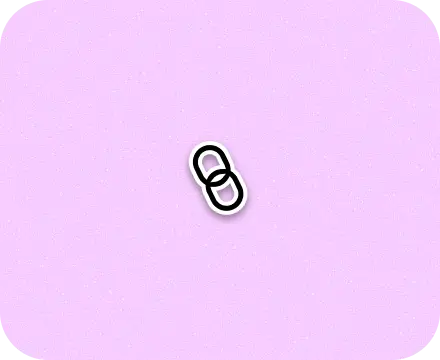 | Alias | Indicates that the user can create an alias for a file or directory. |
|  | Process spinner | Indicates that a process is underway and the user can't interact with the UI until the process is finished. |
### Services
| Icon | Type | Description |
|---|---|---|
| 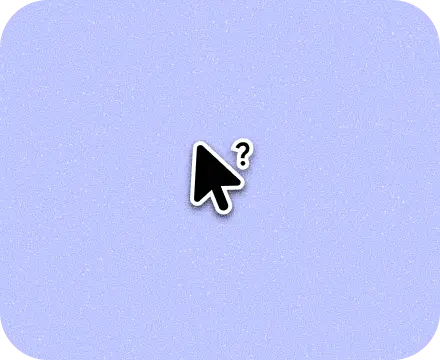 | Help | Indicates that help is available as a help window for the current context. |
| 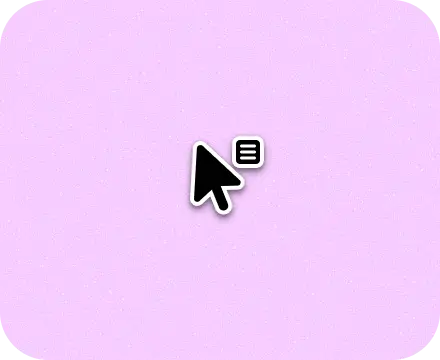 | Context menu | Indicates that the user can right-click to open a context menu. |
| 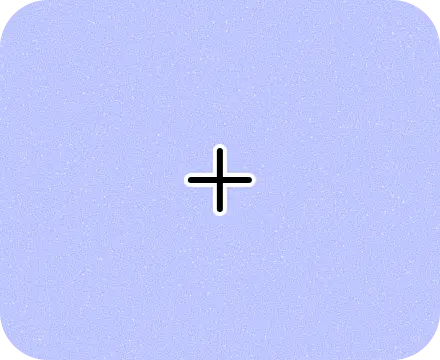 | Crosshair | Indicates that the user can precisely select an object or location. |
| 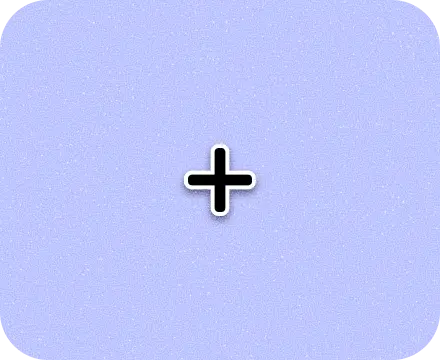 | Cell | Shows the active cell in a spreadsheet. |
| 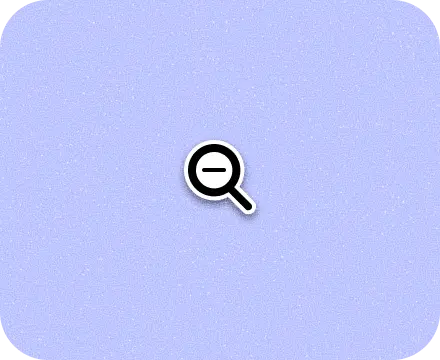 | Zoom out | Indicates that the user can zoom out on an object or area of the screen. |
| 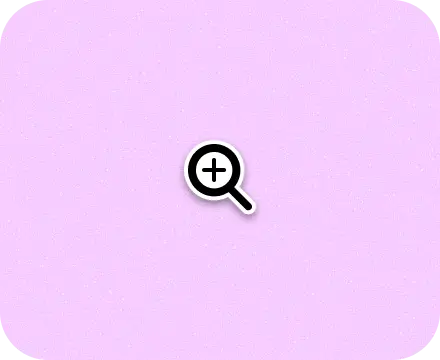 | Zoom in | Indicates that the user can zoom in on an object or area of the screen. |
|  | Spot hover | Indicates that the mouse is hovering, similar to the default pointer. Used mostly for testing and screen recording. |
|  | Spot touch | Indicates that the cursor has tapped. |
### Resize
| Icon | Type | Description |
|---|---|---|
| 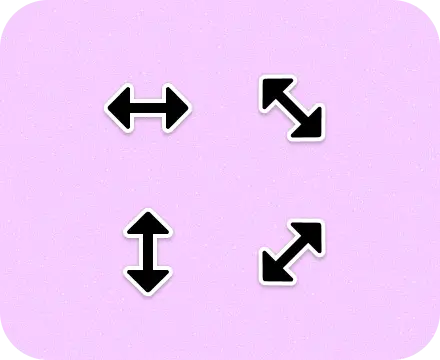 | Resize arrows | Indicates that the element can be resized in the direction shown. |
| 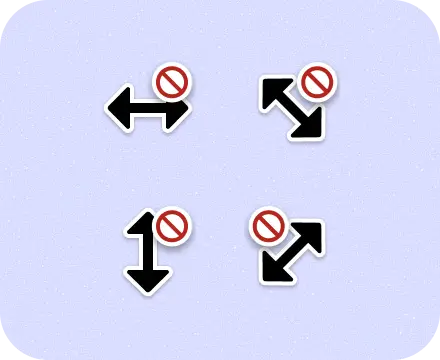 | No resize directional arrows | Indicates that the user can't resize the object in the shown direction. |
| 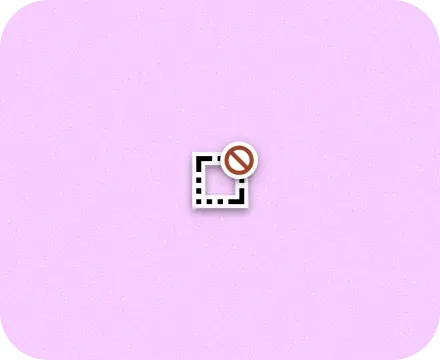 | No resize all directions | Indicates that the user can't resize an object in any direction. |
### Stylus
| Icon | Type | Description |
|---|---|---|
| 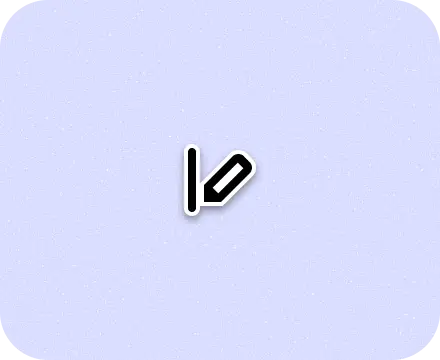 | Scribe hover | With a stylus, indicates that the input field is writable. |
## Use cursor icons
Use and set the system cursors to communicate interaction to users.
For example, use a magnifying glass when hovering over zoomable content.
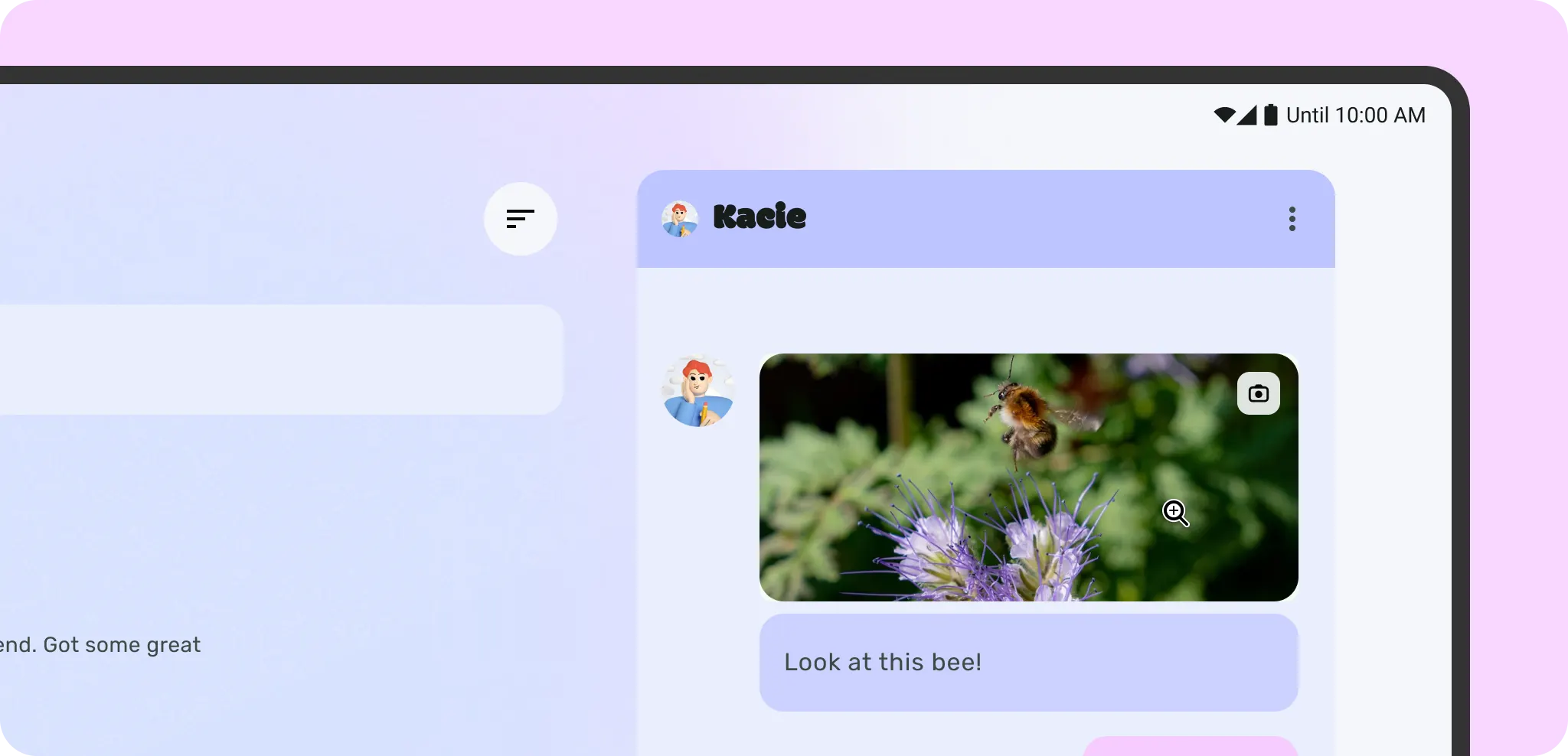 Zoom in cursor set to indicate images can be zoomed in on.
Create a custom cursor icon for more specialized actions that are not provided
by Android.
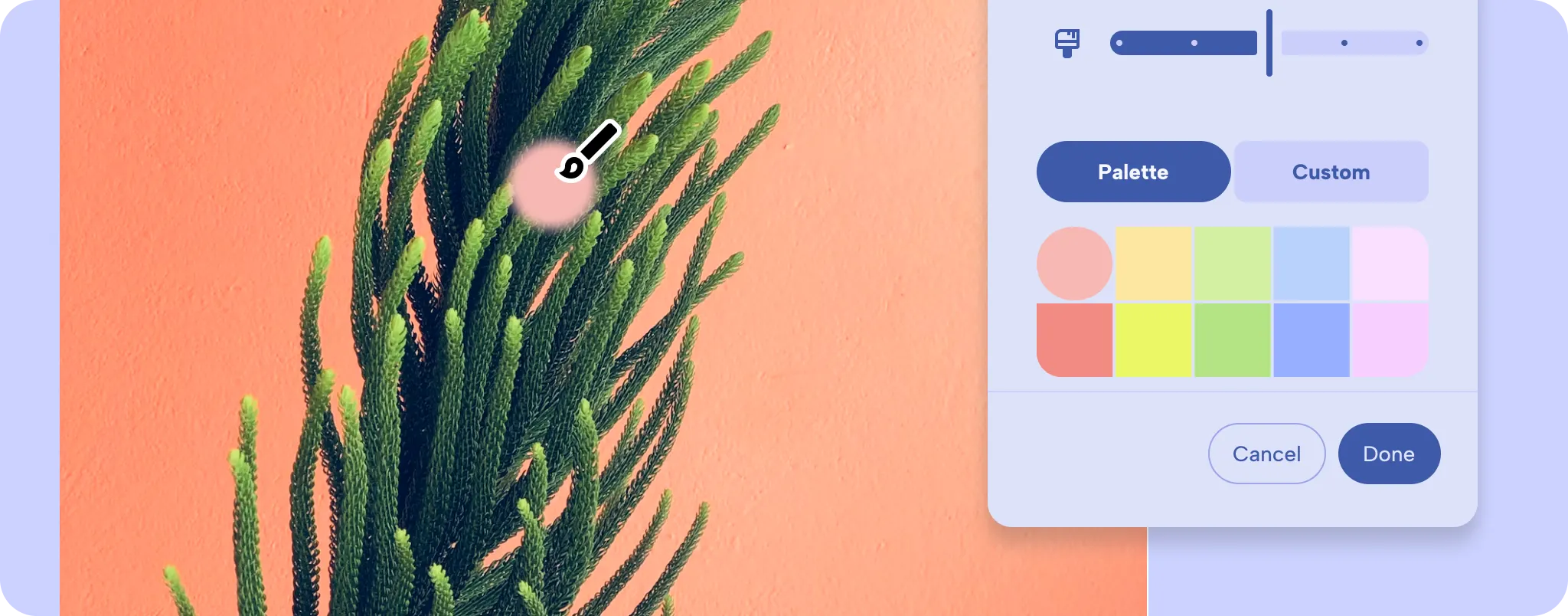 App with a custom cursor for a unique interaction.
For design guidance, [cursor icons](https://m3.material.io/foundations/interaction/inputs#64b60907-0946-462c-adbf-99c96c3bf16c). For implementation details and how to
set different cursor types, [custom cursors](https://developer.android.com/docs/quality-guidelines/adaptive-app-quality/experiences/desktop#Custom_Cursors).