Surfaces contain content. They provide clear focal points within the user's field of view, which can contain content or actions.
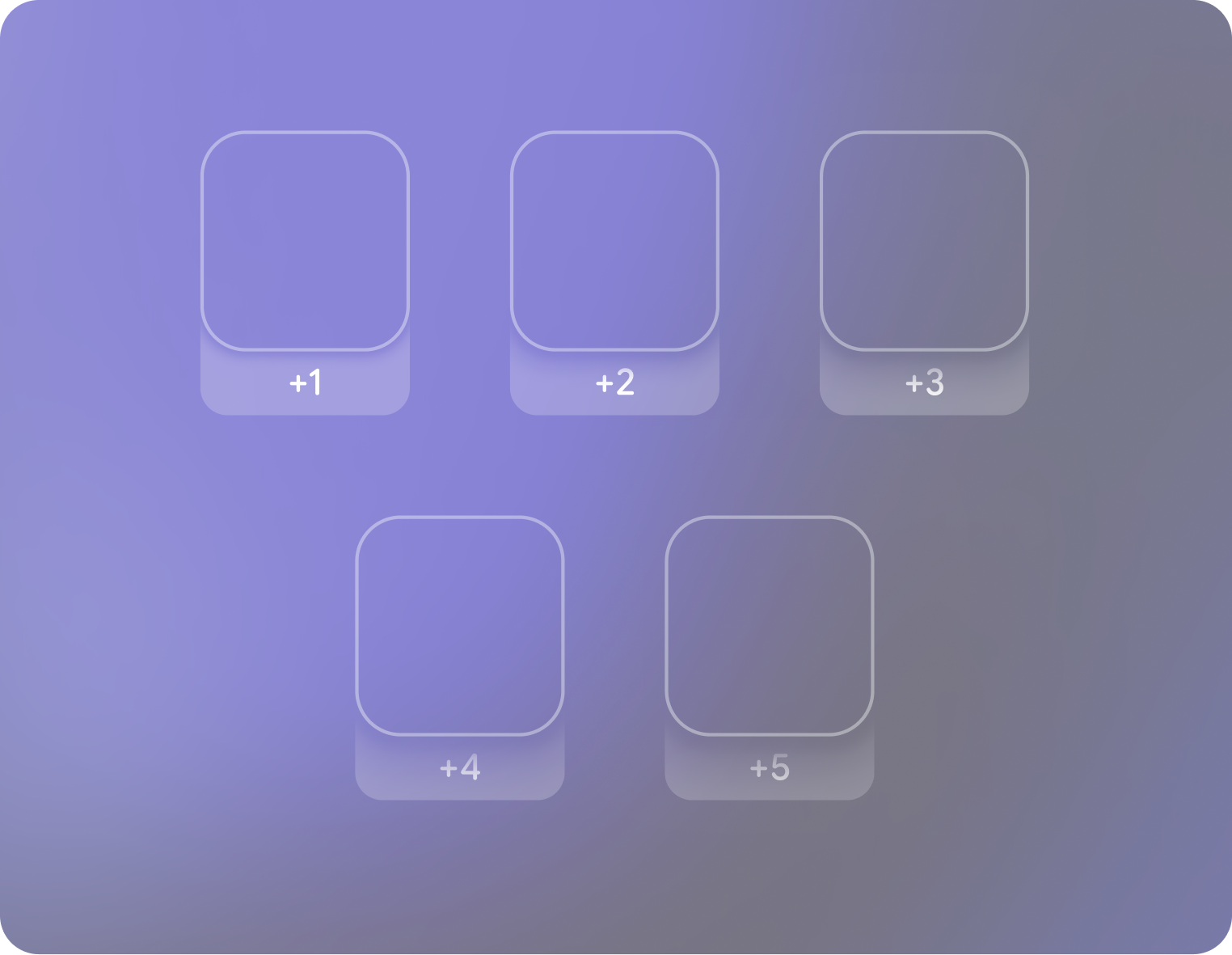
## Depth creates a sense of comfort and hierarchy
Depth on glasses is the combination of placement in z-space and shadows to establish a sense of hierarchy through varying levels of emphasis.

#### Use surface color variants to emphasize depth
Use surface color variants like Surface Container Low to create a more contrasting effect for depth. Shadows need to be fully opaque black to achieve effect.

Surfaces should always be transparent to maximize contrast in most environments.
check_circle
### Do
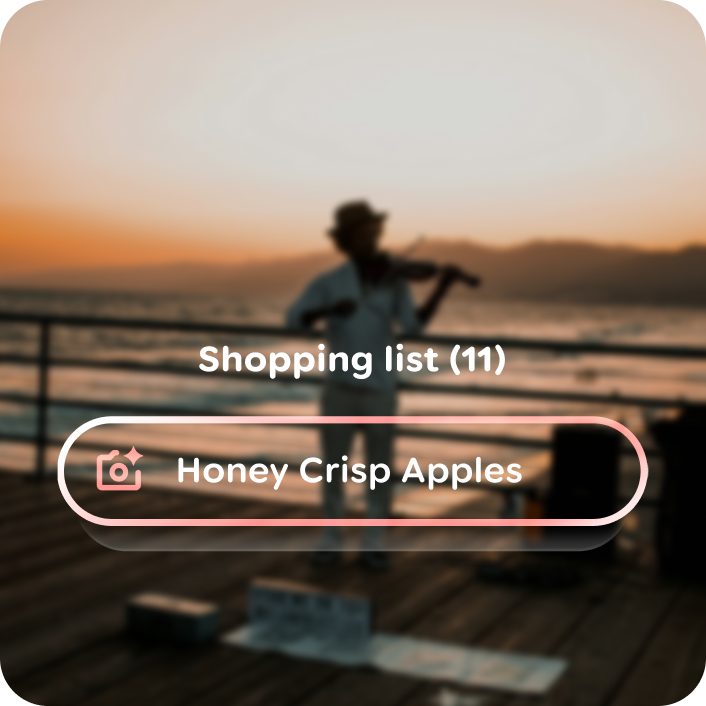
Make sure to set blend mode to screen to preview how UI surfaces will display on transparent displays.

cancel
### Don't
Use normal blend mode while designing as it will not give a realistic perception.