Glasses have multiple sources and types of interaction inputs, including
hardware and touch, physical gesture, and voice.
## Hardware controls
Glasses controls can vary depending on device model, but most will include a
camera button, touchpad, display button, and power switch or button. Hardware
controls have default interactions, and some can be remapped for your app.
Consider that inputs for glasses are more 1-dimensional, where users can make
one control input at a time, compared to touchscreen inputs. The glasses
hardware controls have default interaction mapping, some of which are handled by
the app, and others that are handled by the system.
**The system will handle the following inputs:**
- Camera button single press to take photos and camera button hold to take videos
- Swiping with two fingers on the touchpad for volume
- Touch \& hold on the touchpad and the wake word on the microphone will launch Gemini
- System interprets swipe down on display glasses as system back.
**Your app has access to the glasses:**
- Single-finger swipe on touchpad
- Microphone
- Point-of-View (POV) camera
- Inertial Measurement Unit (IMU)
- Camera button double-press
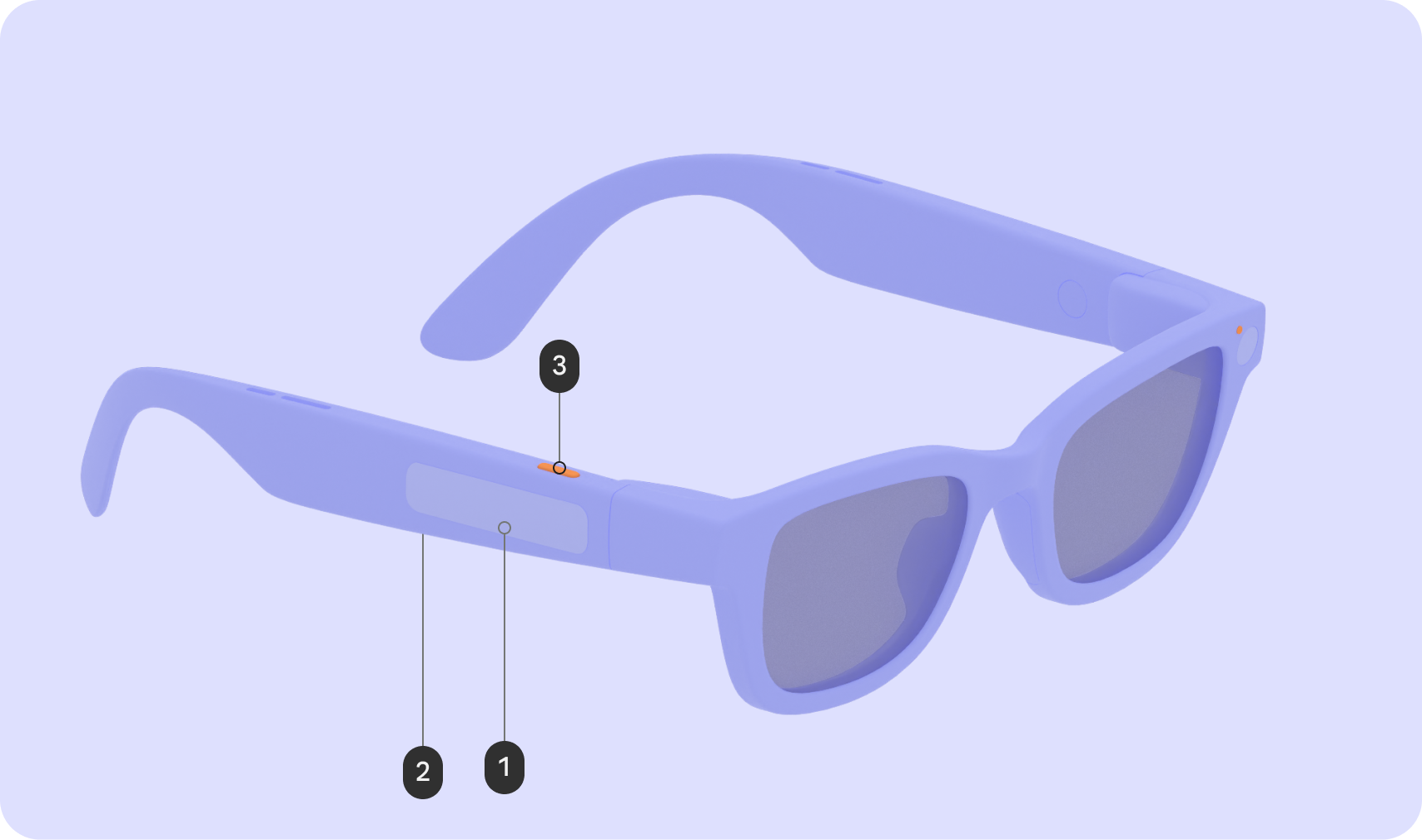
### Audio glasses
| Input | Gesture | Interaction affect |
|---|---|---|
| Touchpad (1) | Tap | Play / Pause / Confirm |
| | Swipe | Next/Previous/Dismiss |
| | Swipe down | N/A |
| | Touch \& hold | Invoke AI |
| | 2-finger swipe | Volume |
| Display button (2) | Press | N/A |
| Camera button (3) | Press | Photo / Video end |
| | Touch \& hold | Video start |
| | Double press | Camera |
### Display glasses
| Input | Gesture | Interaction affect |
|---|---|---|
| Touchpad (1) | Tap | Play / Pause / Confirm |
| | Swipe | UI Navigation |
| | Swipe down | Back |
| | Touch \& hold | Invoke AI |
| | 2-finger swipe | Volume |
| Display button (2) | Press | Wake/Sleep |
| Camera button (3) | Press | Photo / Video end |
| | Touch \& hold | Video start |
| | Double press | Camera |
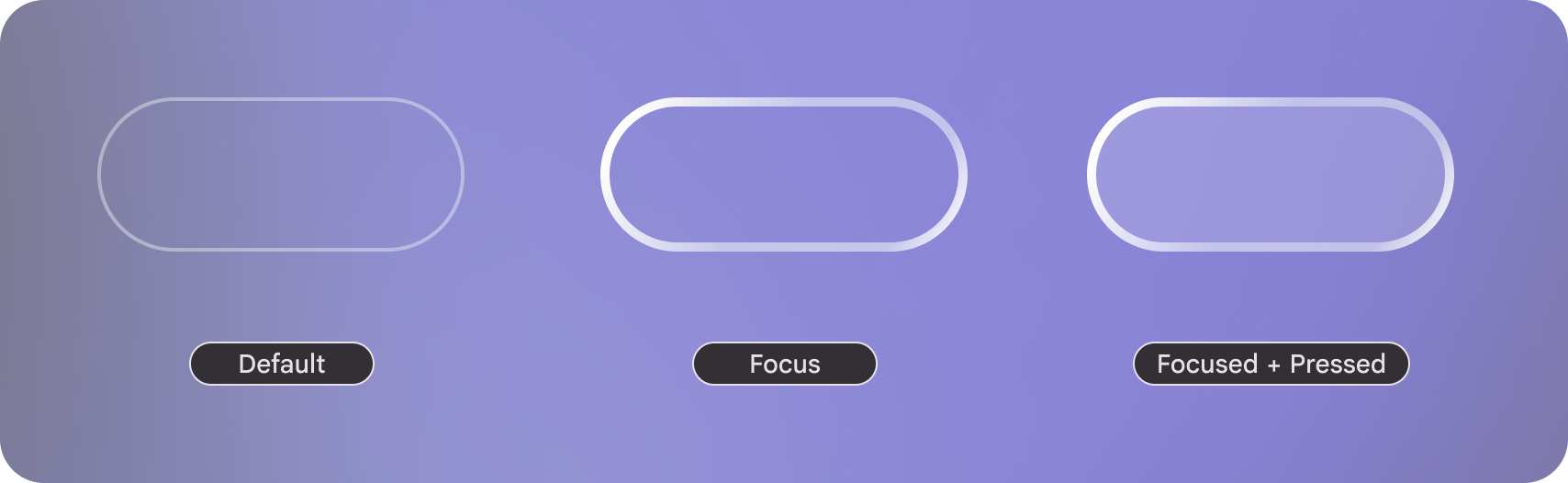 On
display focus states have a visual affordances.
## Usability principles
Use the following principles when designing for glasses inputs:
### Input interaction is quick \& discreet
Audio and display glasses are designed around short and quick gestures rather
than complex and
precise controls.
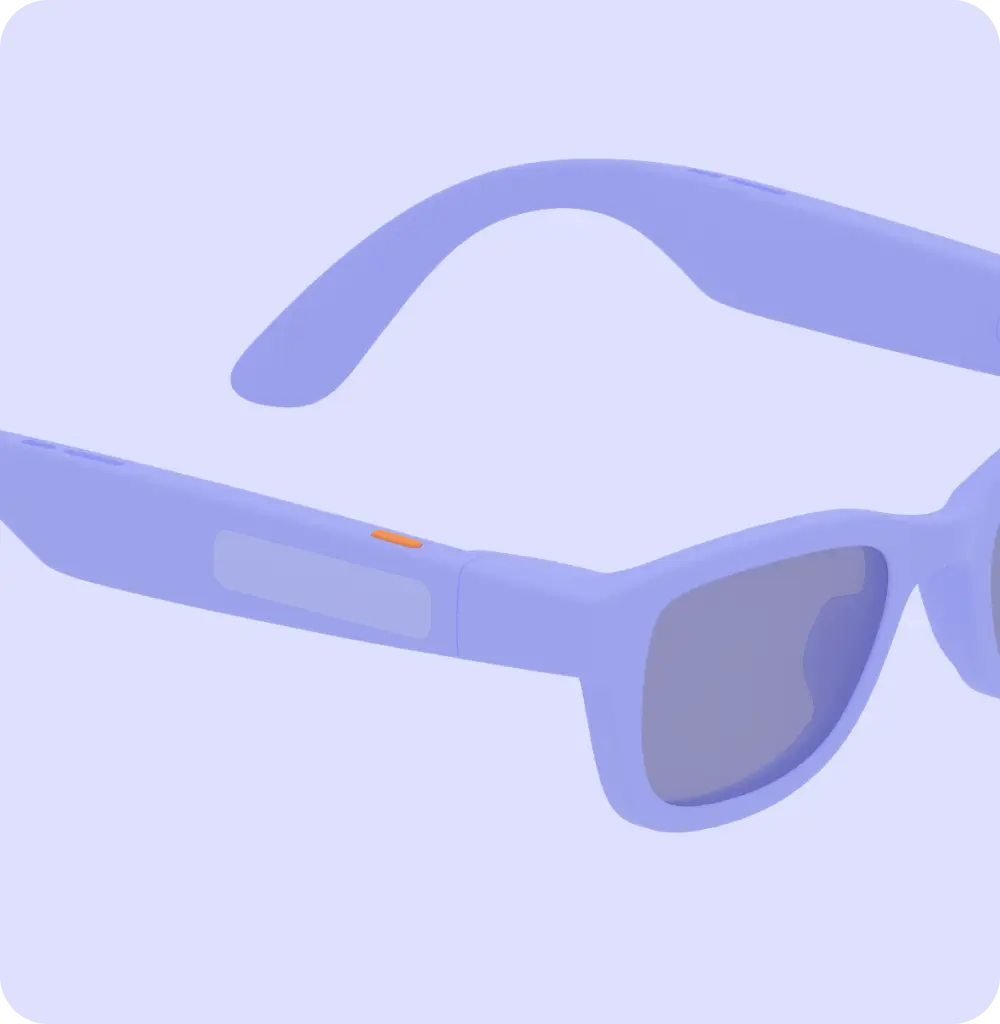
### Do
Design around fast gestures that don't feel out of place while a user is out and about. 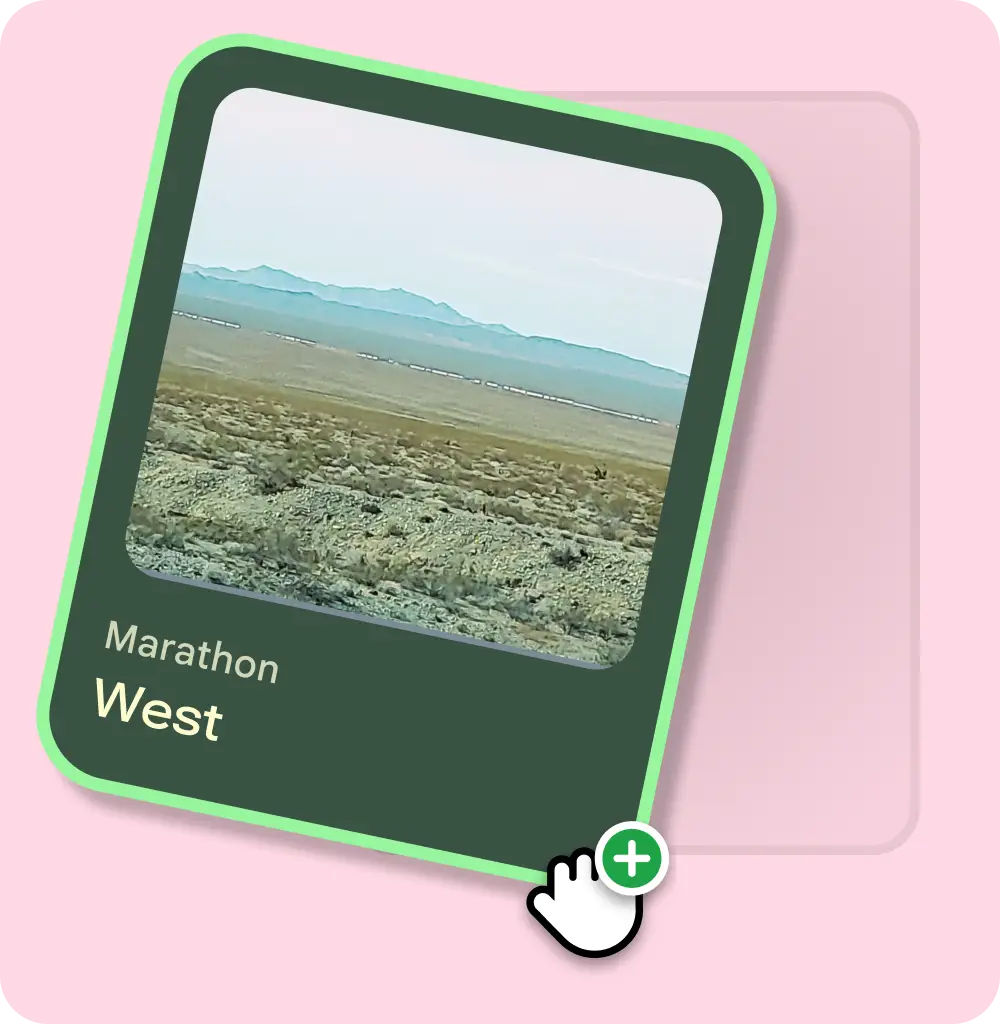
### Don't
Expect complex and precise gestures like those on mobile and desktop.
### Recognition rather than recall for display glasses
Limit the number of gestures that the user needs to remember, and take advantage
of existing user mental models.
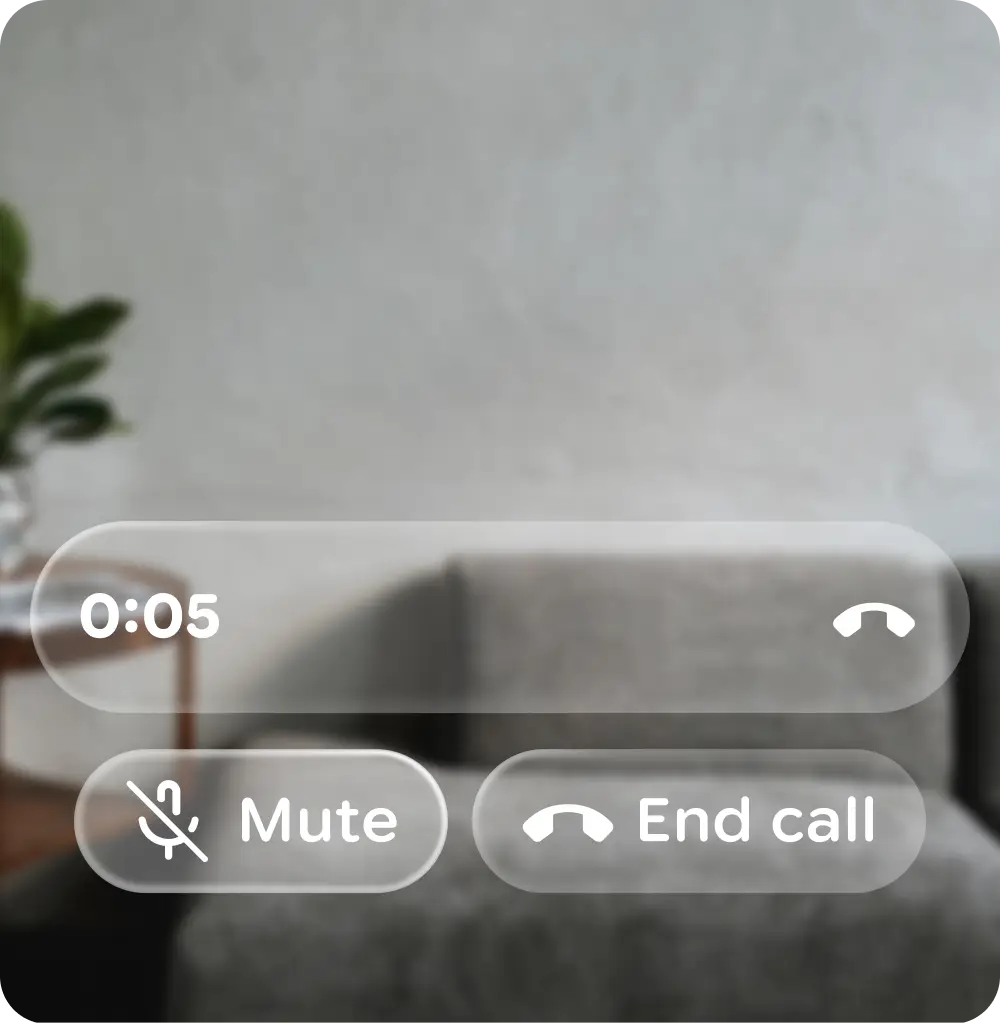
### Do
Provide UI elements for users to complete actions when the display is available. 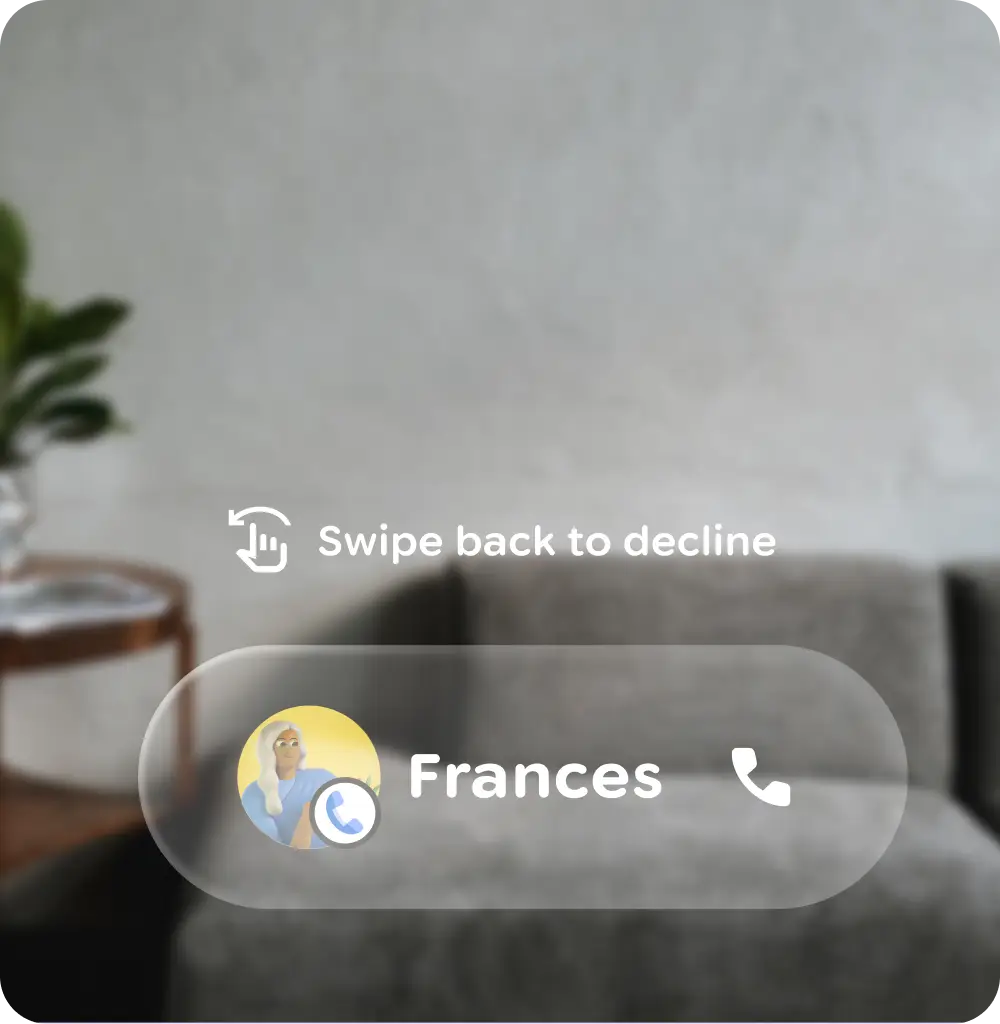
### Don't
Overly rely on users remembering gestures if the display is available.
### Always provide an immediate exit for users
A user should be able to exit an experience on their glasses at any point.
### Provide immediate, clear feedback about detected gesture and action taken
For audio glasses, both audio output and earcons are crucial for gesture
feedback. Earcons should be played immediately after a gesture, be audible, and
be distinct in various environments.
For display glasses, immediate visual feedback significantly enhances usability
due to the indirect interaction paradigm.
### Promote a smooth experience
Help users avoid mistakes by:
- Removing memory burdens
- Accounting for possible accidental slips
- Supporting undo actions
- Warning users before important actions
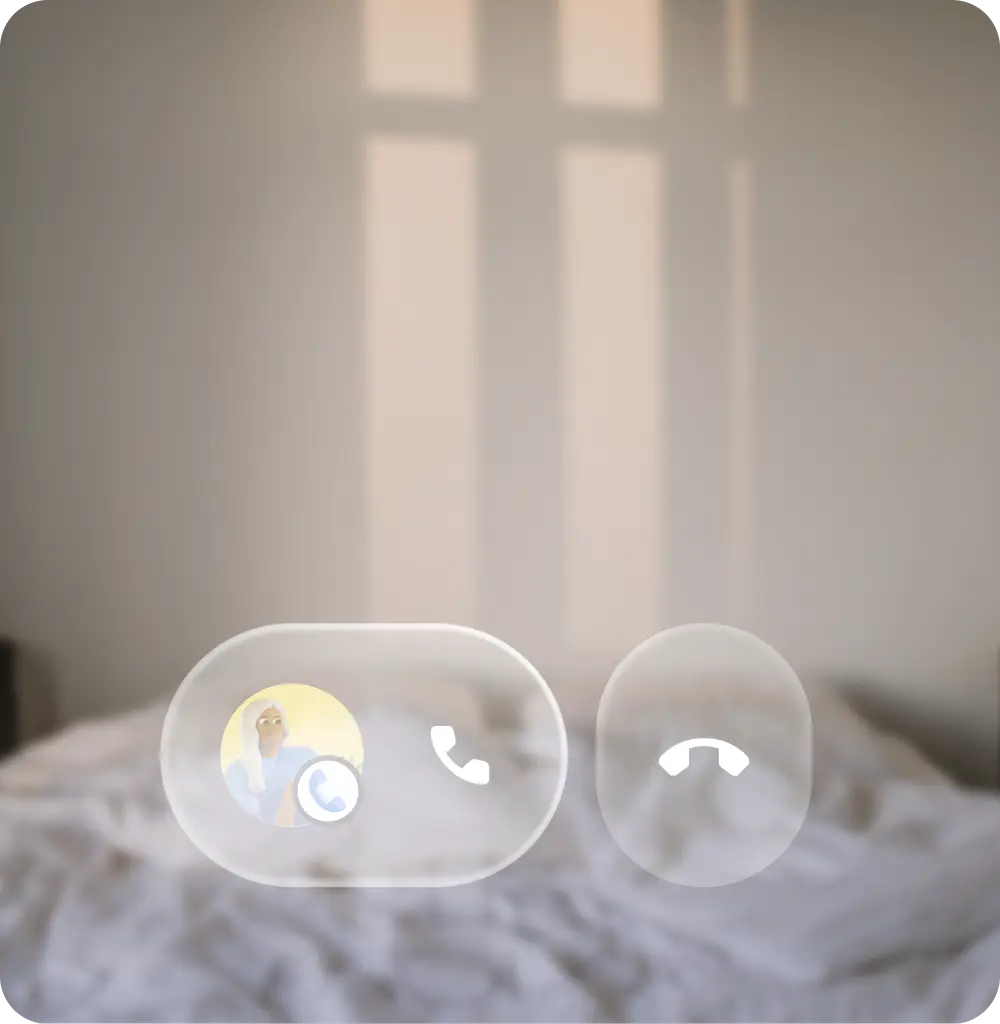
### Do
Put initial focus on a lower-cost action, like accepting a call. 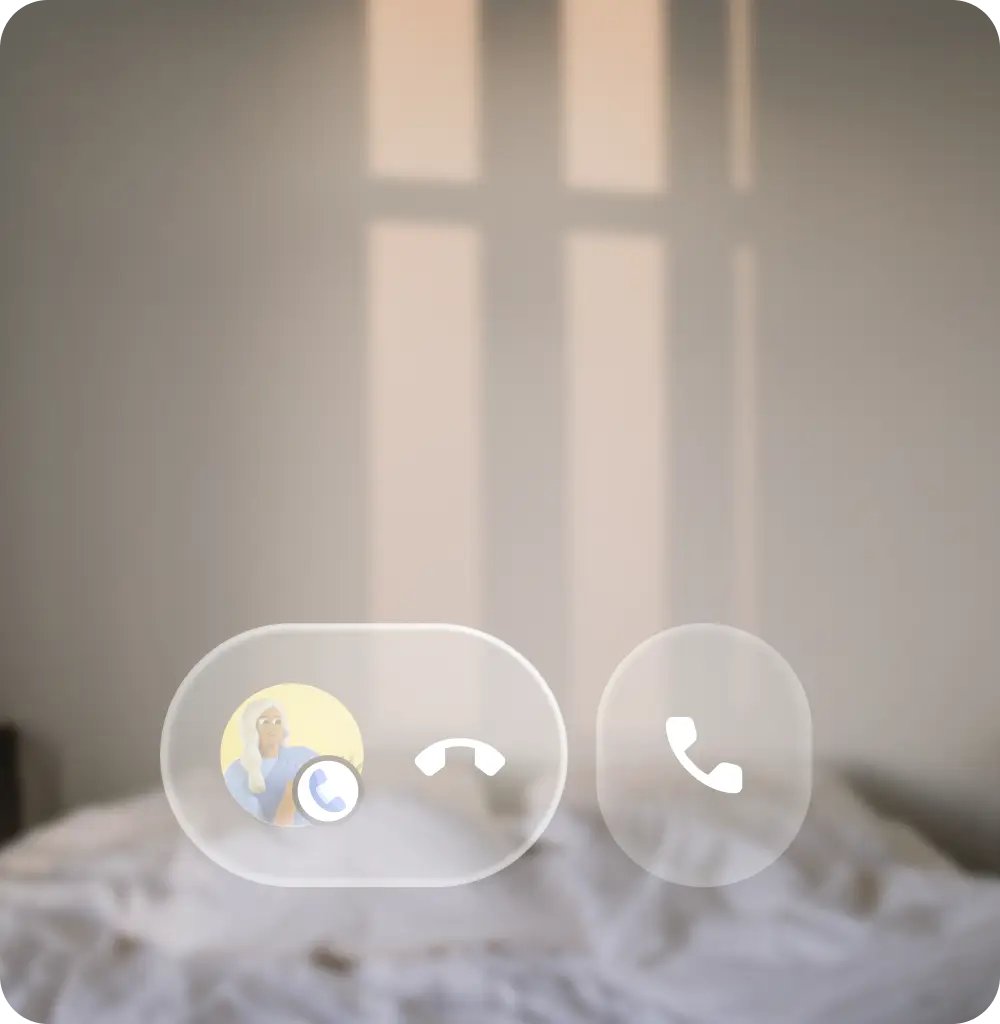
### Don't
Put initial focus on high-cost actions, like declining a call.